February 18, 2024
How to Generate music for your Video using AI?
Discover how AI can generate custom music for your videos from a single image, enhancing the mood and tone. Step-by-step guide with examples
Have you ever struggled to find the right background music to set the mood for your videos? Finding music that perfectly matches the tone and imagery of your video can be time-consuming and frustrating. Fortunately, AI has made it easier than ever to automatically generate custom music from any video.
In this beginner’s guide, I’ll walk you through the steps to create an AI-generated music track from your own video using an image-to-audio tool called Snowpixel.
Step 1: Choose Your Video
Pick the video you want to create a soundtrack for. It could be anything from a personal vlog to a professional project. Have it ready on your device.
Step 2: Extract a Frame
Extract any frame from your video. This frame will be the basis for your AI-generated music. Use any free online tool to do this. Extracting first frame usually works well.
Step 3: Visit Snowpixel
Head over to Snowpixel’s website. This platform hosts the AI tool we’ll be using. It’s designed to be user-friendly, so don’t worry if you’re not a tech expert.
Step 4: Upload Your Image
Find the image-to-music tool on Snowpixel and upload the first frame you extracted. The process is straightforward: just select your file and upload it. This tutorial goes into more detail on how to do this.
Step 5: Let the AI Work Its Magic
After uploading your image, the AI begins to transform it into music by analyzing the image’s colors, composition, and mood. This usually takes a few minutes.
Step 6: Download Your Music
Since generation can be random, so multiple different music files are generated. Listen to the generated music. Whichever fits your vision, download the track directly from Snowpixel. This music is now yours to use in your video project.
Step 7: Add the Music to Your Video
Add your new, AI-generated music to your video using any video editing software. Align the music with your video timeline as needed.
Let’s look at some examples. OpenAI recently released a text-to-video generation algorithm, Sora. Generated videos do not have music, so we will create a soundtrack for them using the steps above.
Input Video:
Video summary: The source clip is a walking scene through Tokyo with steady forward motion and no soundtrack.
First frame extracted from this would be:
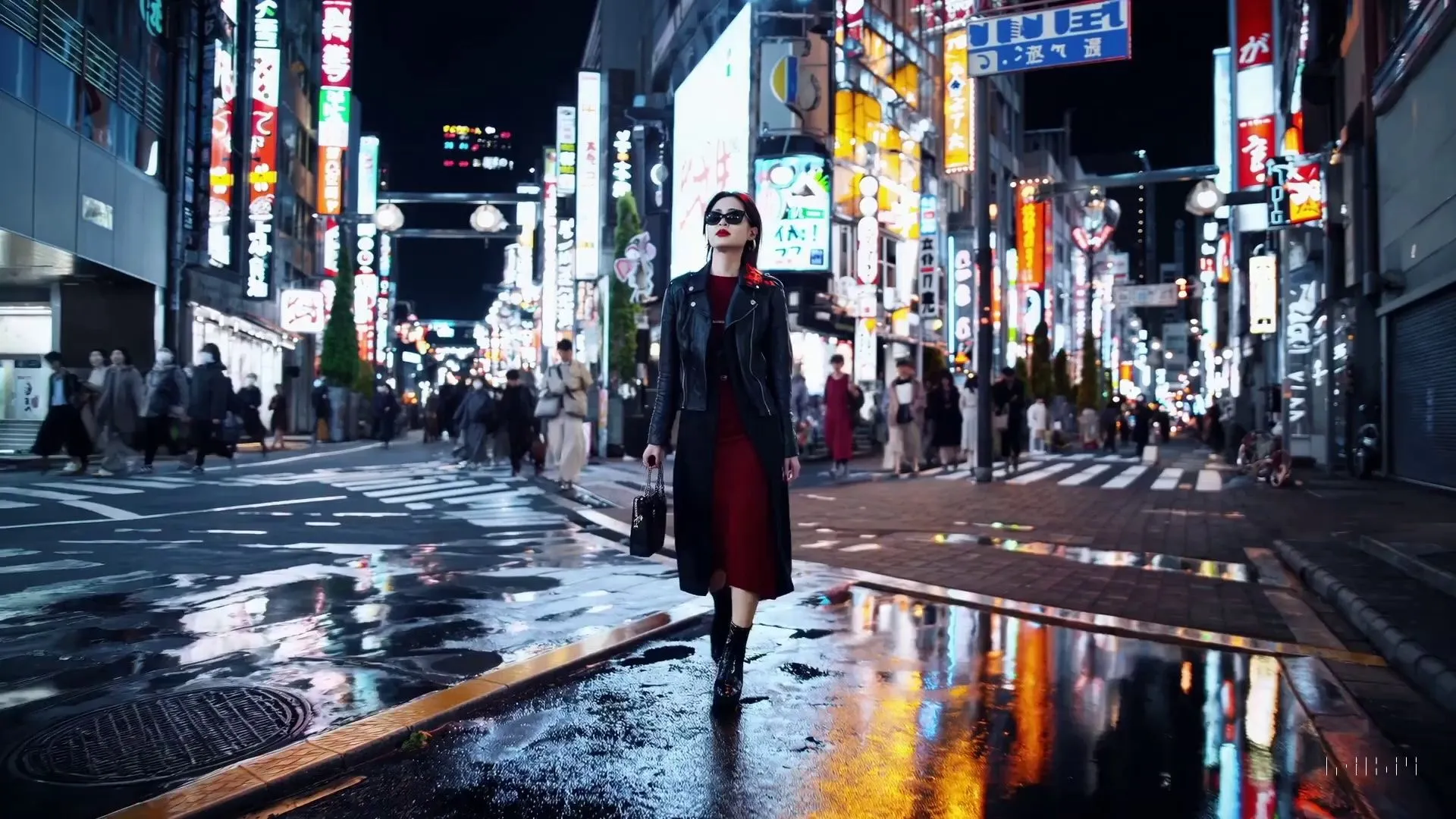
Now, let’s generate music from this frame using Snowpixel. 5 different samples were generated and this one I prefer:
Audio summary: This generated track is moody and urban, with a steady pulse that fits the nighttime city footage.
Now, final video after merging generated audio with video!
Video summary: This final version combines the original Tokyo walk visuals with the generated soundtrack so the pacing and mood feel unified.
Let’s look at a couple more examples.
Input Video, again AI generated with Sora
Video summary: The second source clip shows a woolly mammoth-themed scene without any background music.
Extracted first frame
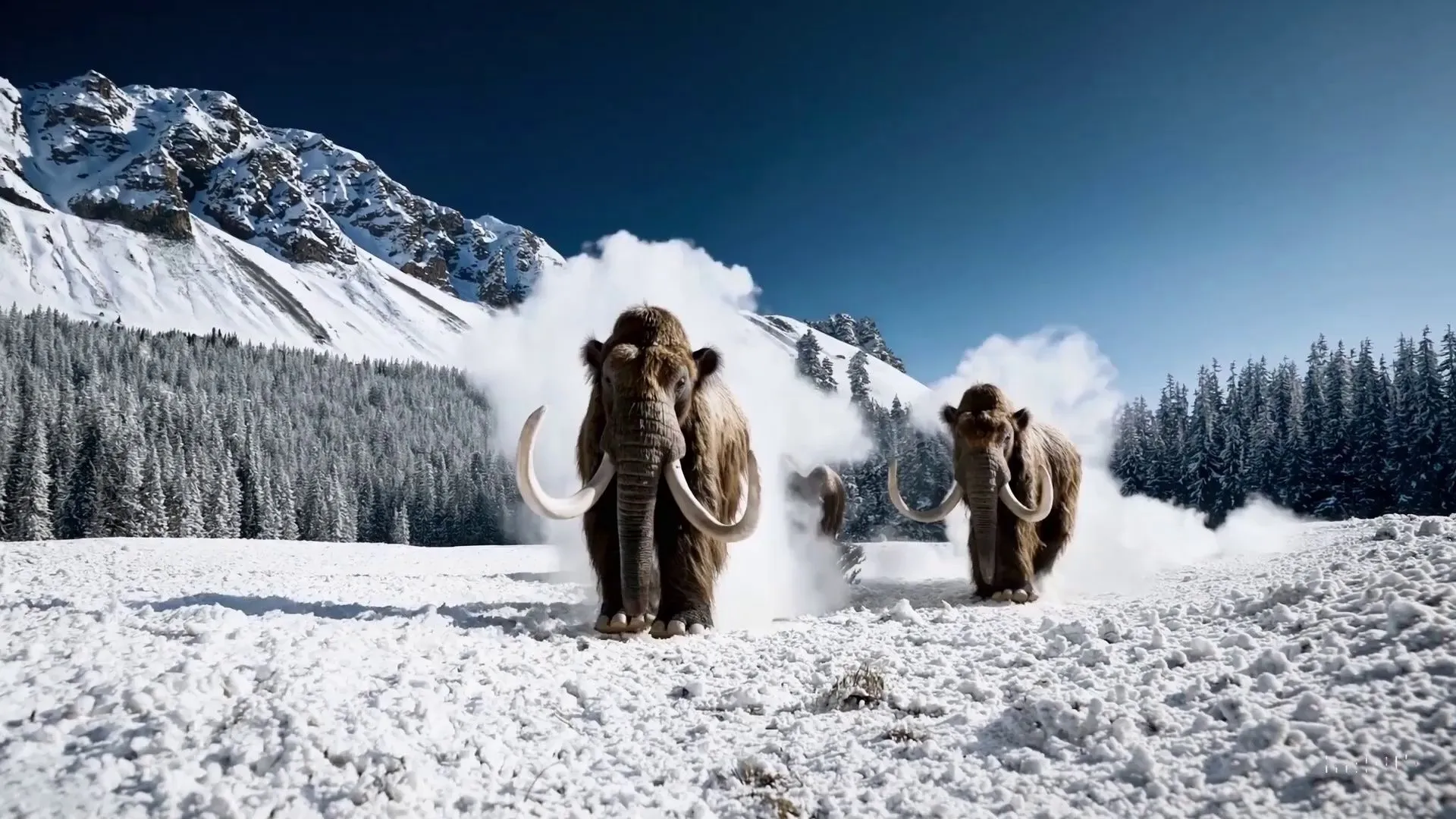
Generated AI music from this frame using Snowpixel Image to Music AI
Audio summary: This soundtrack feels larger and more cinematic, with a slower tempo and heavier atmosphere than the Tokyo example.
Merging both audio and video
Video summary: The merged mammoth clip pairs the original visual with the generated score to create a more dramatic final presentation.
Amazing! Another Example. Input Video:
Video summary: The third source clip focuses on a surreal monster and melting candle scene before any music is added.
Extracted first frame

Generated Music
Audio summary: This audio has the darkest tone of the set, with tense textures that suit the eerie candle imagery.
Final Video with Audio merged in
Video summary: The finished clip preserves the surreal visuals and adds the generated soundtrack to heighten the unsettling mood.
Use Cases
Travel Vlogs: For a travel vlog featuring the Northern Lights, the AI can generate a soothing, ethereal soundtrack from an image of this natural wonder, enhancing the emotional impact of the video.
Personal projects: If you’re working on a personal project, like a short film or a video game, you want the music to enhance the story and immerse the viewer. AI music can help you create a custom score that fits the tone and pacing of your project.
Educational Content: An educational video on the solar system can use majestic, awe-inspiring music generated from an image of Mars to make the content more engaging and memorable.
Social Media Content: Content creators can use AI-generated music to make their videos stand out on platforms like YouTube, Instagram, and TikTok.
Indie Filmmaking: Independent filmmakers can save on music production costs while achieving a professional sound with AI-generated soundtracks.
Corporate Presentations: Companies can make their presentations and videos more engaging with custom AI-generated music.
Gaming: Game developers can create dynamic soundtracks that adapt to game environments, enhancing player immersion.
Wrapping Up
Generating music for your video doesn’t have to be complicated or require musical talent. With image-to-music algorithm, you can create a unique soundtrack that perfectly matches the mood and tone of your video, all from a single image. This technology opens up endless possibilities for enhancing your video projects across various domains, whether you’re creating content for social media, producing an indie film, or developing a game. Give it a try and see how it transforms your projects!